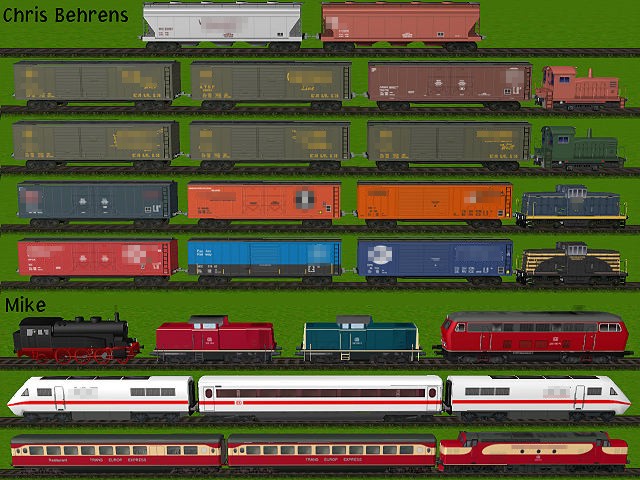
Install Rule The Rail!
Installation Instructions for Rule The Rail! 1.4 & below.
The correct way to install Rule the Rail! has been asked many a time by new & old users.
So to help us all here is an list on the way to install the program that should not give you any problems.
If you haven't got the program and the expansion packs pop-over to Brainbombers and download them,
while you are there register the game, you need the password to unlock it then you can use all the extension packs & functions.
Install the 1.4 upgrade BEFORE expansion packs 7.
1. Install the pic 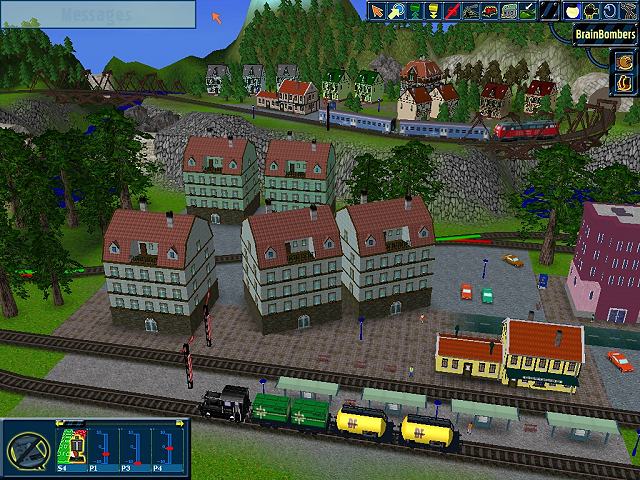 You'll notice that RtR is at version 1.1.
Notes:
a. Layouts built in version 1.1 can be saved and reloaded.
b. The password will not be accepted at this point.
2. Install Extension Packs pic
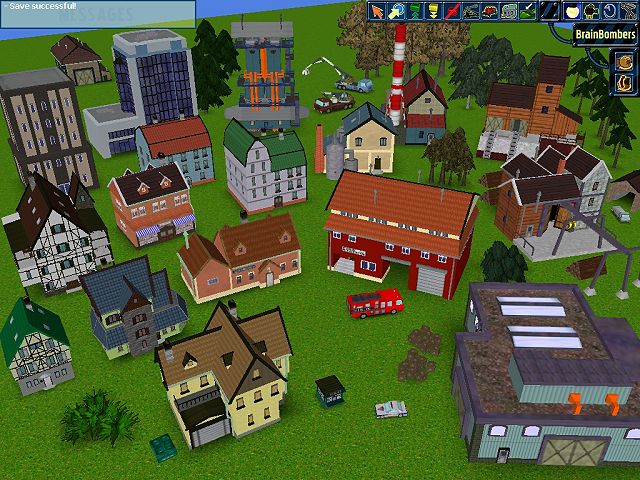 pic
pic  and pic
Notes:
a. Installation of version upgrades 1.3 or 1.4 BEFORE the installation of these extension packs seem to be rolled back following the installation of these packs: the video resolution screen reverts to that of ver 1.1, version numbering returns to 1.1.
b. The registration password will be accepted at this point.
3. Optional Installation of Upgrade 1.4
(earliest possible effective installation. Installing after Extension Pack 4 is advisable).
Notes:
a. The installation of the version 1.4 upgrade does not complain about not finding versions 1.21 or 1.3.
b. This upgrade appears to be cumulative. Those features introduced in previous versions are available. Observed:
(1) Auto Scroll (1.3)
(2) Auto Bridge/Tunnel (1.3)
(3) Autosave (1.4)
(4) Unconnected track ends (1.4)
4. Install Extension Pack pic 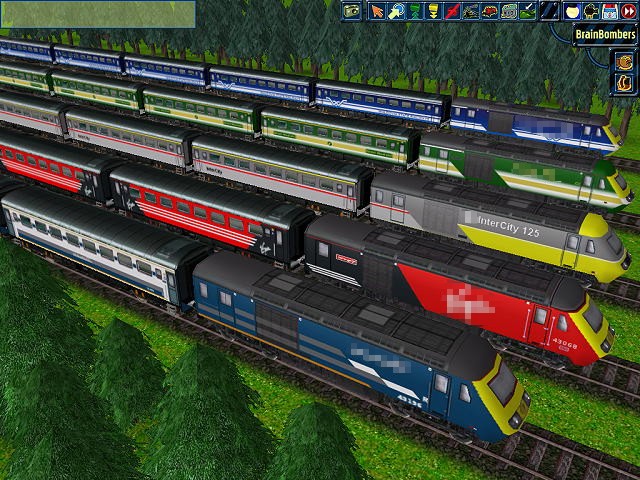
Notes:
a. The installation of Extension Pack 4 causes the video resolution screen to revert back to version 1.1.
b. Features introduced in upgrade version 1.4 are still available (those noted above at least).
c. Reinstallation of the version upgrade successfully reinstalls the ver 1.4 video resolution screen.
5. Install Extension Pack pic 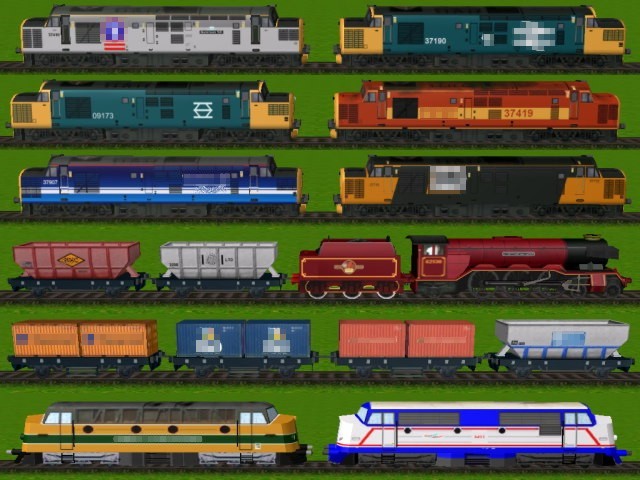
Notes:
a. None of the features of upgrade version 1.4 are reversed with the installation of this extension pack.
6. Install Extension Pack pic 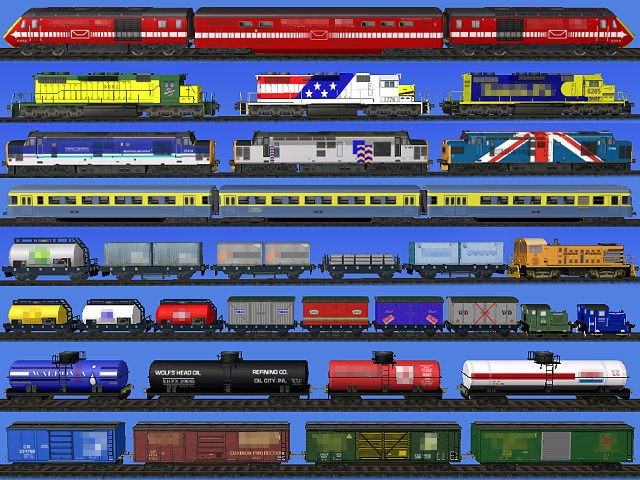
Notes:
a. None of the features of upgrade version 1.4 are reversed with the installation of this extension pack.
7. Install Extension Pack pic 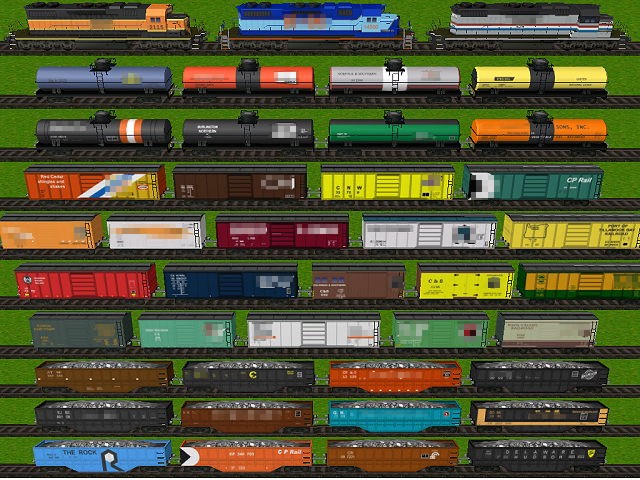
Notes:
a. None of the features of upgrade version 1.4 are reversed with the installation of this extension pack.
b. This extension pack requires version 1.3 per the BrainBombers website.
8. Install Extension Pack pic 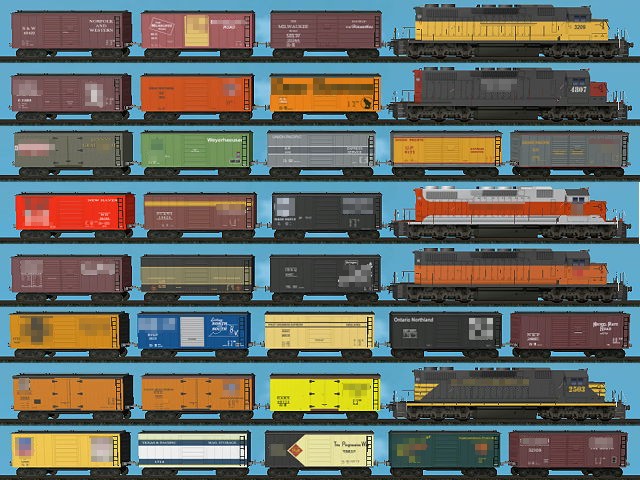
Notes:
a. None of the features of upgrade version 1.4 are reversed with the installation of this extension pack.
b. This extension pack requires version 1.3 per the BrainBombers website.
9. Install Extension Pack pic 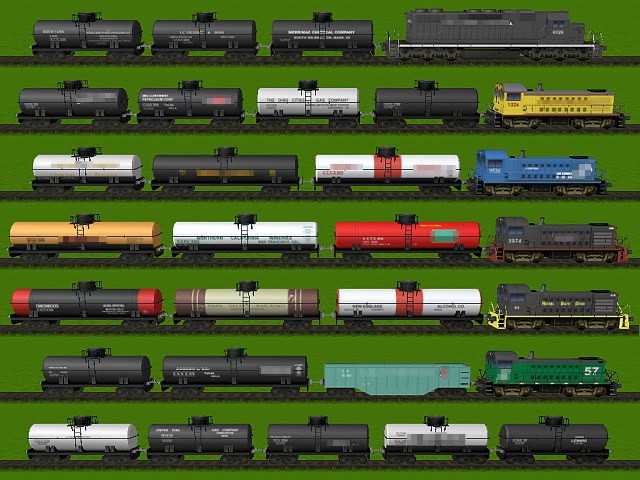
Notes:
a. None of the features of upgrade version 1.4 are reversed with the installation of this extension pack.
b. This extension pack requires version 1.3 per the BrainBombers website.
10. Install Extension Pack pic 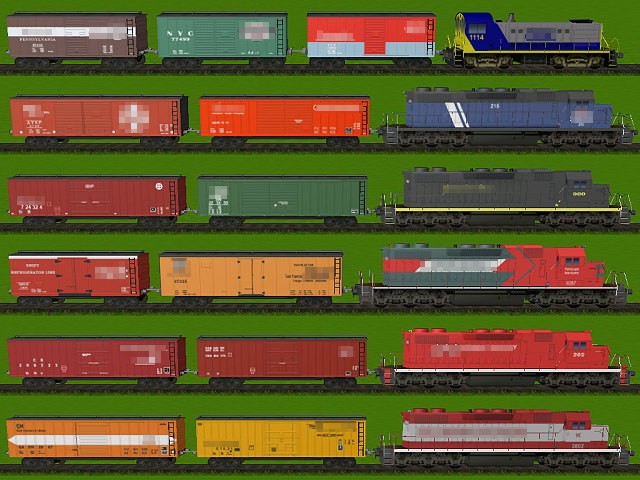
Notes:
a. None of the features of upgrade version 1.4 are reversed with the installation of this extension pack.
b. This extension pack requires version 1.3 per the BrainBombers website.
11. Install Extension Pack pic 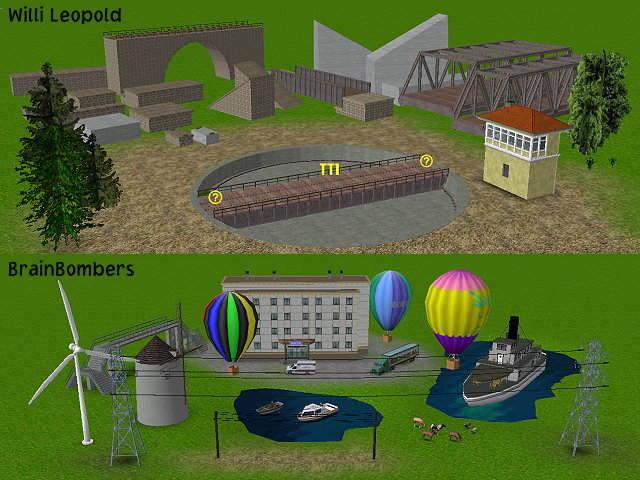
Notes:
a. None of the features of upgrade version 1.4 are reversed with the installation of this extension pack.
b. This extension pack requires version 1.4 per the BrainBombers website.